Reverse DNS (PTR): What It Is and Why It Matters
Reverse DNS maps an IP address → hostname (the opposite of normal DNS).
Key Takeaways
- It’s controlled by the organization that owns the IP block (often your ISP or cloud provider).
- rDNS is commonly used in troubleshooting and email anti-abuse checks.
- A missing or generic PTR record is common and not automatically suspicious.
Forward DNS vs Reverse DNS
Most people know forward DNS: example.com → IP.
Reverse DNS (rDNS) does the reverse: IP → hostname.
What a PTR Record Looks Like
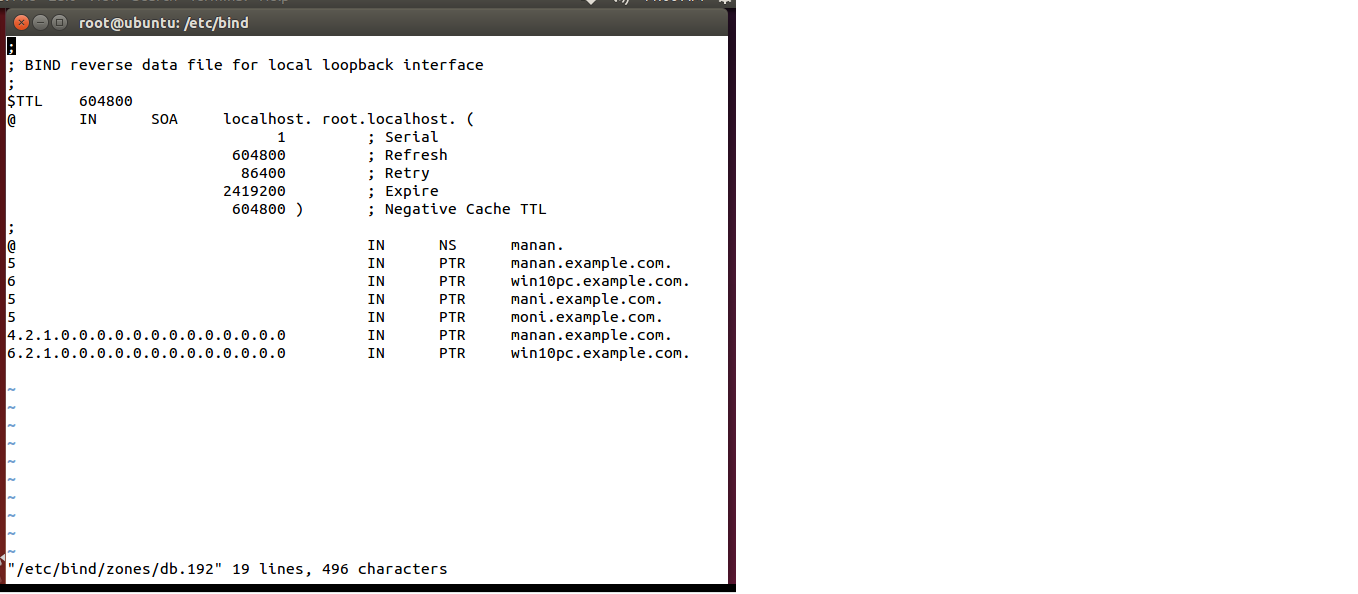
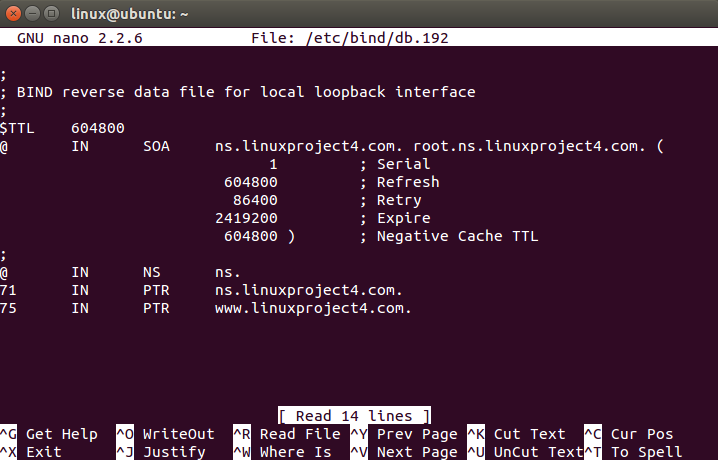
Reverse DNS is implemented with PTR records.
Conceptually:
- If the IP is 203.0.113.10, the reverse lookup asks for a special domain under in-addr.arpa (IPv4) or ip6.arpa (IPv6) and expects a hostname result.
Who Controls Reverse DNS?
Reverse DNS is usually controlled by: - Residential ISP (for home internet IPs) - Cloud/hosting provider (for VPS, servers) - Enterprise network owner
That means: - You often cannot change your home IP’s PTR record. - On many VPS providers, you can set a PTR record in the provider dashboard.
Why rDNS Exists (Practical Reasons)
rDNS helps with: - Operational troubleshooting (confirming which system an IP belongs to) - Network hygiene (naming conventions) - Email deliverability (some systems check for reasonable rDNS)
rDNS and Email (High-Level)
Many mail systems consider rDNS as one signal (not the only one): - Dedicated mail servers often configure meaningful PTR names. - Dynamic residential IPs commonly have generic PTR names.
Important: rDNS alone does not “prove legitimacy,” and having rDNS does not guarantee delivery.
Common PTR Patterns You’ll See
- Dynamic/residential patterns: often include “dynamic”, “pool”, or numeric naming.
- Hosting patterns: may include provider hostname or region labels.
- Generic or missing rDNS: very common, especially on shared infrastructure.
Practical Implications in Real Systems
In IPVerdict, look for: - Reverse DNS / rDNS / PTR hostname (if your tool shows it) - Organization + ASN context
Use rDNS to support troubleshooting questions like: - “Is this IP likely part of a hosting platform?” - “Does the naming pattern match the provider I expect?”
Common Misunderstandings
Issue: No PTR record shown - This is normal for many IPs. - If you control a VPS: check your provider panel for rDNS settings.
Issue: PTR name doesn’t match my domain - PTR is controlled by the IP owner. If you need it to match, you usually need a dedicated IP and provider support.
Issue: rDNS looks “weird” - Naming conventions vary. Compare rDNS with organization/ASN rather than assuming it’s malicious.
Q1: Can I change my home IP’s reverse DNS? Usually no. Most residential ISPs do not allow PTR customization.
Q2: Does missing rDNS mean an IP is bad? No. It’s common and not proof of abuse.
Q3: Is rDNS required for websites? No. Most web hosting works fine without PTR.
Q4: Why do some services care about rDNS? Mainly email and some security filters use it as one signal.
Q5: PTR says a different company than my ISP—why? Because blocks can be leased or routed differently; use ASN/organization context to confirm.

Limitations
- rDNS data may be cached.
- Some networks intentionally do not publish PTR.
- PTR names can be generic even for legitimate systems.
Disclaimer
The information in this guide is provided for educational and diagnostic use. Network behavior can vary by environment, configuration, and data sources, so results should be treated as informative signals rather than definitive proof.
Conclusion
Understanding these fundamentals helps you interpret network signals more confidently and troubleshoot issues with fewer false assumptions.