CDN Explained: How Content Delivery Networks Change What You See
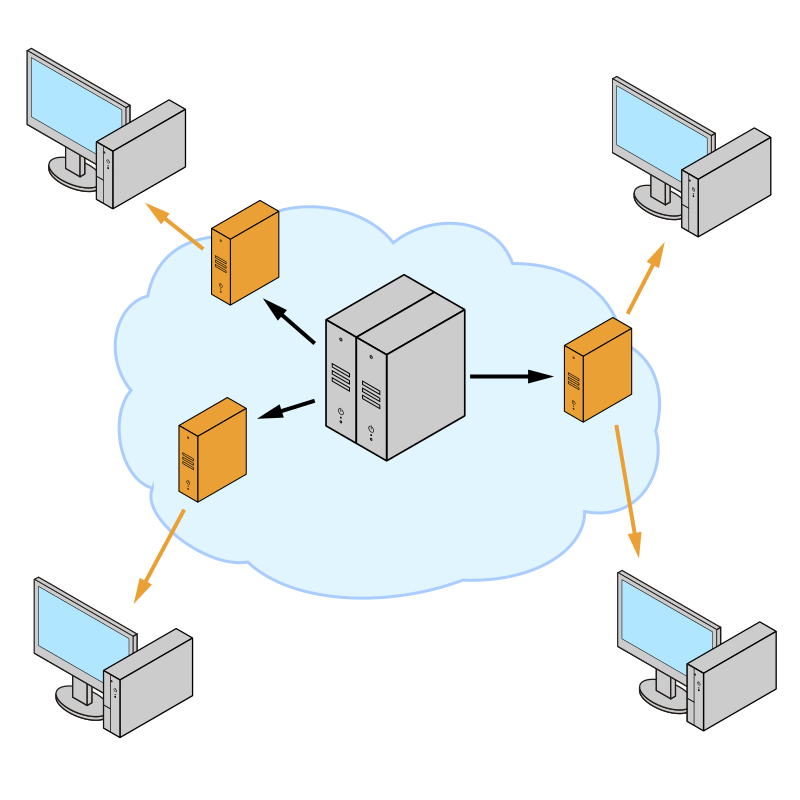
A CDN serves content from edge servers close to users.
Key Takeaways
- The IP address you see is often the CDN edge, not the website’s origin server.
- CDNs improve speed and reliability, but caching can cause “stale content” confusion.
- When troubleshooting, separate origin issues from edge/caching issues.
Edge vs Origin: The Core Idea
Origin server: the main server that hosts the site/app.
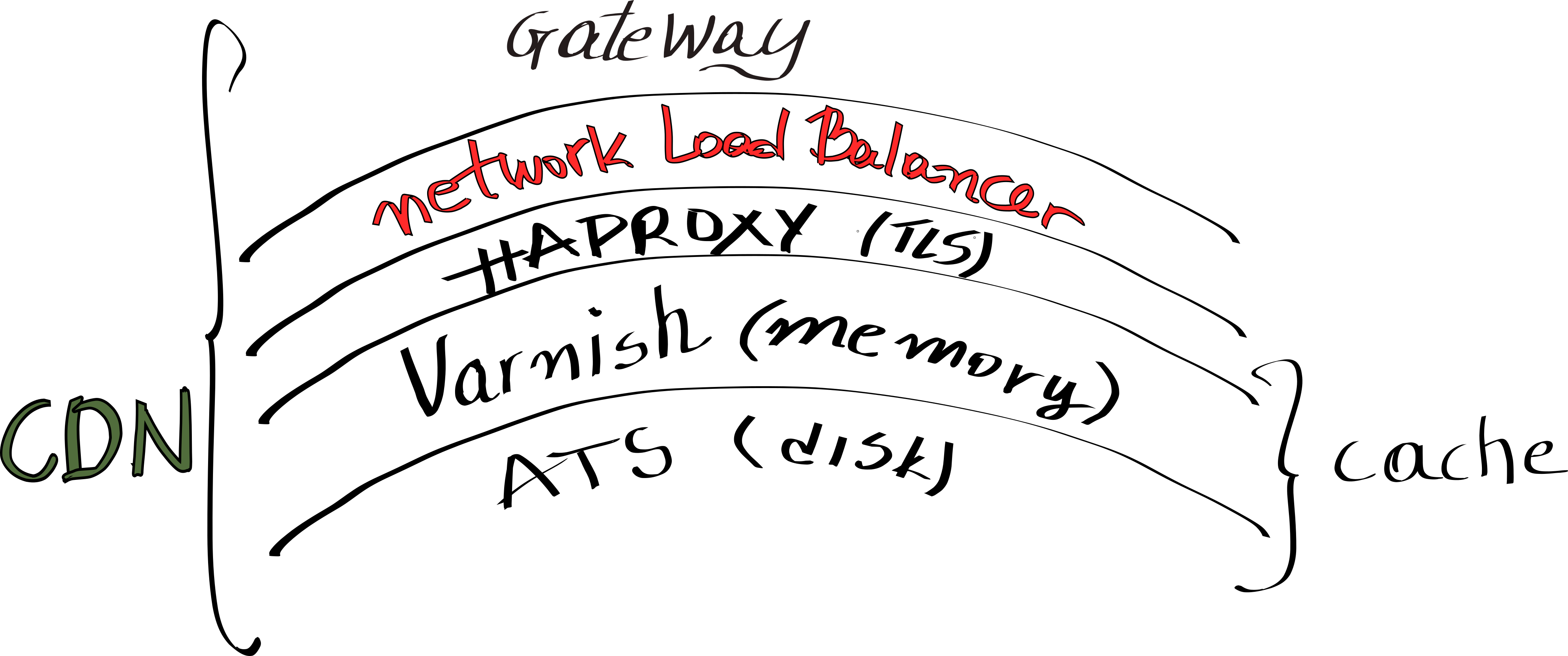
CDN edge: distributed servers that cache and serve content closer to users.
Most modern sites use CDNs to reduce latency and handle traffic spikes.
Why CDNs Exist (Speed, Scale, Protection)
CDNs help by: - Reducing load on the origin - Improving global performance - Providing DDoS absorption and WAF features (in many platforms)
Even small sites can benefit from basic CDN features.
Why the IP You See Often Isn’t the Site Owner
If you look up example.com, DNS may point to a CDN.
So the visible IP belongs to the CDN provider.
This can confuse users who expect the IP to match the website’s brand. It’s normal.
How CDN Caching Works (The Useful Version)
CDNs cache content for a period. Two outcomes: - Good: fast repeat loads - Confusing: you update your site but users still see old content
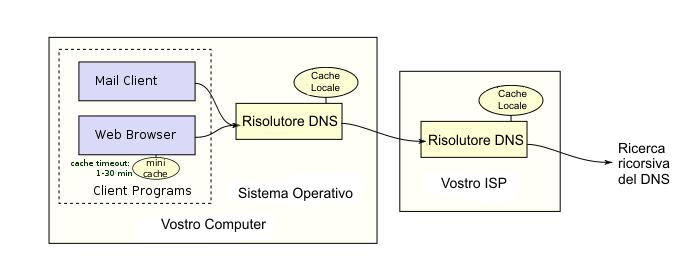
CDNs usually have purge/invalidation tools for site owners, but caches also exist in browsers and ISPs.
Common CDN-Related Problems
1) Stale content after an update Fixes for site owners: - Purge/invalidate CDN cache - Ensure cache headers are correct
2) Region-based blocking or challenges Some CDNs apply geo rules, bot rules, or WAF challenges. Fixes: - Adjust rules - Review false positives
3) Mixed origin/edge errors Sometimes: - Origin is down (edge returns errors) - Edge is fine but origin returns 5xx
Troubleshooting requires checking both layers.
User Troubleshooting: When a Site Doesn’t Load
As a user: - Try another network (mobile vs Wi‑Fi) - Try another browser/device (rules/caches differ) - If you suspect your IP is blocked, check your public IP and network owner
Practical Implications in Real Systems
IPVerdict can help users understand: - The organization/ASN behind the edge IP - Whether it looks like typical CDN/hosting infrastructure
This supports questions like: - “Is this IP a CDN edge?” - “Did the provider change?”
Common Misunderstandings
Q1: Does using a CDN hide the origin server? It can reduce exposure, but it’s not guaranteed. Some origins can still be discovered.
Q2: Why do I see different IPs at different times? CDNs use pools of IPs and routing changes.
Q3: If the CDN blocks me, what can I do? Try another network, disable suspicious automation, or contact the site owner.
Q4: Is a CDN only for big companies? No—many small sites use CDNs.
Q5: Does a CDN affect SEO? Often positively (speed/availability), but misconfiguration can cause issues.
Limitations
- A CDN can use multiple IPs; seeing different IPs is normal.
- Some CDNs use anycast; location tests may vary.
- An edge IP being “datacenter” doesn’t mean the site is unsafe.
Disclaimer
The information in this guide is provided for educational and diagnostic use. Network behavior can vary by environment, configuration, and data sources, so results should be treated as informative signals rather than definitive proof.
Conclusion
Understanding these fundamentals helps you interpret network signals more confidently and troubleshoot issues with fewer false assumptions.